DevOps and cloud track
DevOps & Cloud Track
CI/CD, infrastructure as code, container security and Kubernetes security taught through project-based labs, with each stage built on a working system you keep.
Start here
Begin with the pipeline and cloud fundamentals unit, then follow the track in order. New cohorts open monthly; seats are confirmed on a first-come basis.
ContactWhat this track covers
- CI/CD pipelines and release flow
- Infrastructure as code
- Container security and image hygiene
- Kubernetes security and cluster hardening
Who the track is built for
This track suits people who already touch servers, scripts or deployments and want a structured route into cloud-native work. It also fits career changers who have finished an entry-level IT course and now want the automation side.
You do not need prior Kubernetes experience. You do need comfort with a command line, basic networking concepts, and the patience to read an error message carefully.
Where it fits
Support and operations roles that are starting to own deployment work.
What to bring
A working laptop, a Linux or macOS terminal, and around eight hours a week.
What you leave with
A set of lab repositories you built yourself and can walk an interviewer through.
What the track teaches
Four subject areas run in sequence. Each one ends with a lab you submit, so the next stage starts from something that already works instead of a blank screen.
Continuous delivery
CI/CD pipelines and release flow
You build a pipeline that checks, tests and ships a small application on every commit, then learn what to do when a build fails at 5pm on a Friday. Topics include branching strategy, build caching, artifact promotion between environments, and how to keep a rollback plan that actually works.
Declared environments
Infrastructure as code
Instead of clicking through a cloud console, you describe networks, compute and storage in version-controlled files. The lab covers module structure, state handling, plan review before apply, and the habits that keep a change reviewable by a teammate.
Images and runtime
Container security
You write your own images, then take them apart: which layers ship, what runs as root, where secrets end up, and how a registry scan fits into the build. The point is a small, predictable image rather than a long list of scanner warnings nobody reads.
Clusters and policy
Kubernetes security
The last stage puts the earlier work into a cluster. You deploy the application, then reduce what each workload is allowed to do: namespace boundaries, service account permissions, network policy, admission rules and resource limits. Debugging a denied request is part of the exercise.
How the labs are structured
Every unit ends with a lab brief: a short scenario, a target state, and the constraints you have to respect while getting there. You submit a repository with your changes, notes on what broke, and the evidence that the pipeline or cluster behaves as asked.
Reviews come back as written notes on the submitted repository, focused on decisions rather than style. If a lab fails on a specific point, you fix that point and resubmit. The labs build on each other, so the container image you hardened in one unit is the image you deploy in the next.
Nothing in the track depends on a paid cloud tier to be useful. Where a lab uses hosted infrastructure, instructions cover the free or lowest available tier, and a local alternative is provided when the task allows it.
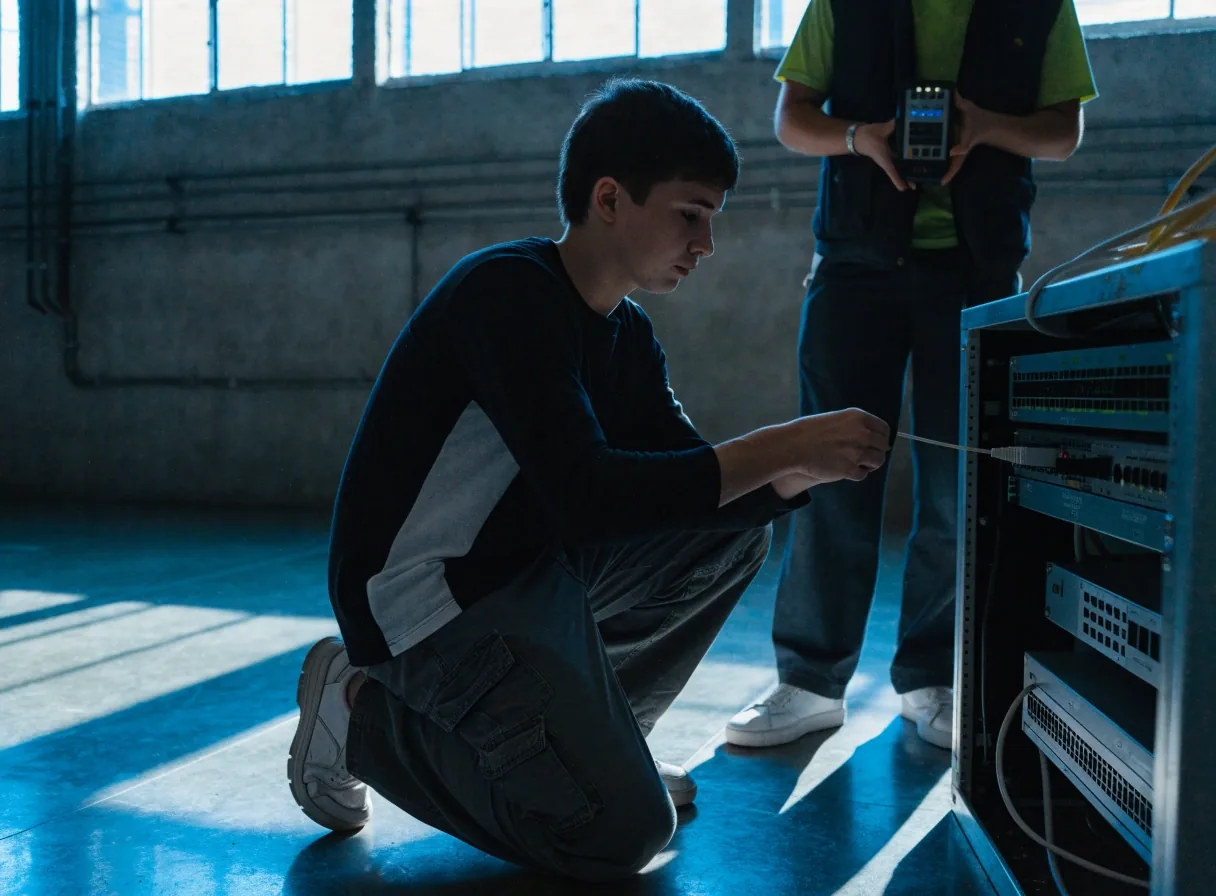

A typical cohort week
Eight hours, one unit, one submission
The track runs alongside a normal working week. Most learners put in two weekday evenings and a longer weekend block, which is enough to finish a unit and its lab without falling behind the cohort.
How the track runs
The sequence below is the order the units are taught in. You can pause between units, but the later labs assume the earlier ones are finished.
Unit one
Pipeline foundations
Version control flow, a first automated build, and reading pipeline logs without guessing. The lab asks for a pipeline that runs on every push and blocks a merge when tests fail.
Unit two
Infrastructure as code
Describing a small environment in files, reviewing a plan before applying it, and separating shared configuration from environment-specific values. The lab asks for a repeatable environment you can destroy and rebuild.
Unit three
Containers and image security
Building an image from a minimal base, cutting what ships inside it, handling secrets at build and run time, and reading a scan report well enough to decide what matters. The lab asks for a hardened image with a written justification for each change.
Unit four
Kubernetes security in practice
Deploying to a cluster, then tightening it: namespaces, service accounts, network rules, admission policy and resource limits. The lab asks you to take a deliberately loose deployment and narrow it until a denied request is explainable rather than mysterious.
DevOps and cloud track compared
If you are deciding between the academy's three tracks, the differences below are the ones that matter most in practice.
What you are comparing
DevOps and cloud
Cybersecurity
Main daily tool
Pipelines, code-defined infrastructure, containers and clusters
Host and network analysis, monitoring, incident response
Typical lab output
A working pipeline, a rebuilt environment, a hardened image, a tightened cluster
Analysed traffic, written findings, a hardened host
Where the work sits
Between development and operations, close to the release process
Across the whole estate, closer to detection and response
Starting point that helps
Comfort with a command line and a basic grasp of networking
Interest in how systems fail and how logs are read
The comparison shows how the tracks differ in daily work, not which one is worth more. If you are unsure, review the course tracks overview and the cybersecurity track, then ask about the one that matches the work you want to do.
What this track is not
Knowing the edges saves time. These points come up most often in questions before enrolment.
It is not a certification exam course
The curriculum is built around the labs, not around a specific vendor exam. Some learners sit exams afterwards and use the labs as evidence, but the track itself does not schedule or administer them.
It is not an introductory IT course
There is no unit on computer basics or office software. If a command line is unfamiliar, the entry-level material in the academy's other tracks is the better starting point.
It is not a job placement service
The academy teaches the work and reviews what you build. It does not promise interviews, offers or a particular salary, and it does not pass learner work to employers without permission.
Questions before you enrol
Do I need prior Kubernetes experience?
No. The cluster work comes last, after containers and infrastructure as code, so you arrive at Kubernetes with a working image and a described environment. Some familiarity with Linux commands helps a lot.
How much time does a unit take?
Plan on around eight hours a week for lessons and lab work. Learners with existing pipeline experience often finish a unit faster; learners learning the command line from scratch should budget more, especially in the first unit.
Do the labs need paid cloud accounts?
Most exercises run on a local environment. Where hosted infrastructure is used, the lab notes point to a free or lowest-cost tier and explain how to remove resources when the exercise ends, so nothing keeps running in the background.
Can I switch to another track later?
Talk to the academy before the second unit. Moving between tracks is handled case by case, because each track's labs assume the previous unit was completed. The AI and AI governance track and the cybersecurity track both have their own unit sequences.
What happens if a lab is rejected?
You get written notes pointing at the specific decisions that did not hold up, and you resubmit the corrected work. There is no penalty and no limit on resubmissions within the cohort window.
How to start
Read the four units above and decide whether the lab work matches what you want to be doing. If it does, ask about the next cohort start date and what to prepare before the first session. If you are still weighing options, the course tracks overview puts all three tracks side by side.
The academy answers questions Monday to Friday, 9:00 AM to 6:00 PM, at 1200 Cyber Security Way, Reston, VA 20190. Phone +1-703-555-0826 or email info@rob-in-hood.digital. You can also read how the courses work before committing to anything.
Before the first session
- Install a container runtime and a code editor on your own machine and confirm both start without errors.
- Create a free account with a code hosting provider and make one empty repository you can push to.
- Note the evenings you can commit to for the next eight weeks, and treat them as booked.